How to Redeem Codes in Aion 2 (Coupon Codes Guide)
How to redeem coupon codes in Aion 2: open Settings, go to Miscellaneous → Account, enter the code under Enter Coupon and press Confirm. Screenshots of every step, where rewards go and why a code may not work.
How to Redeem a Code in Aion 2
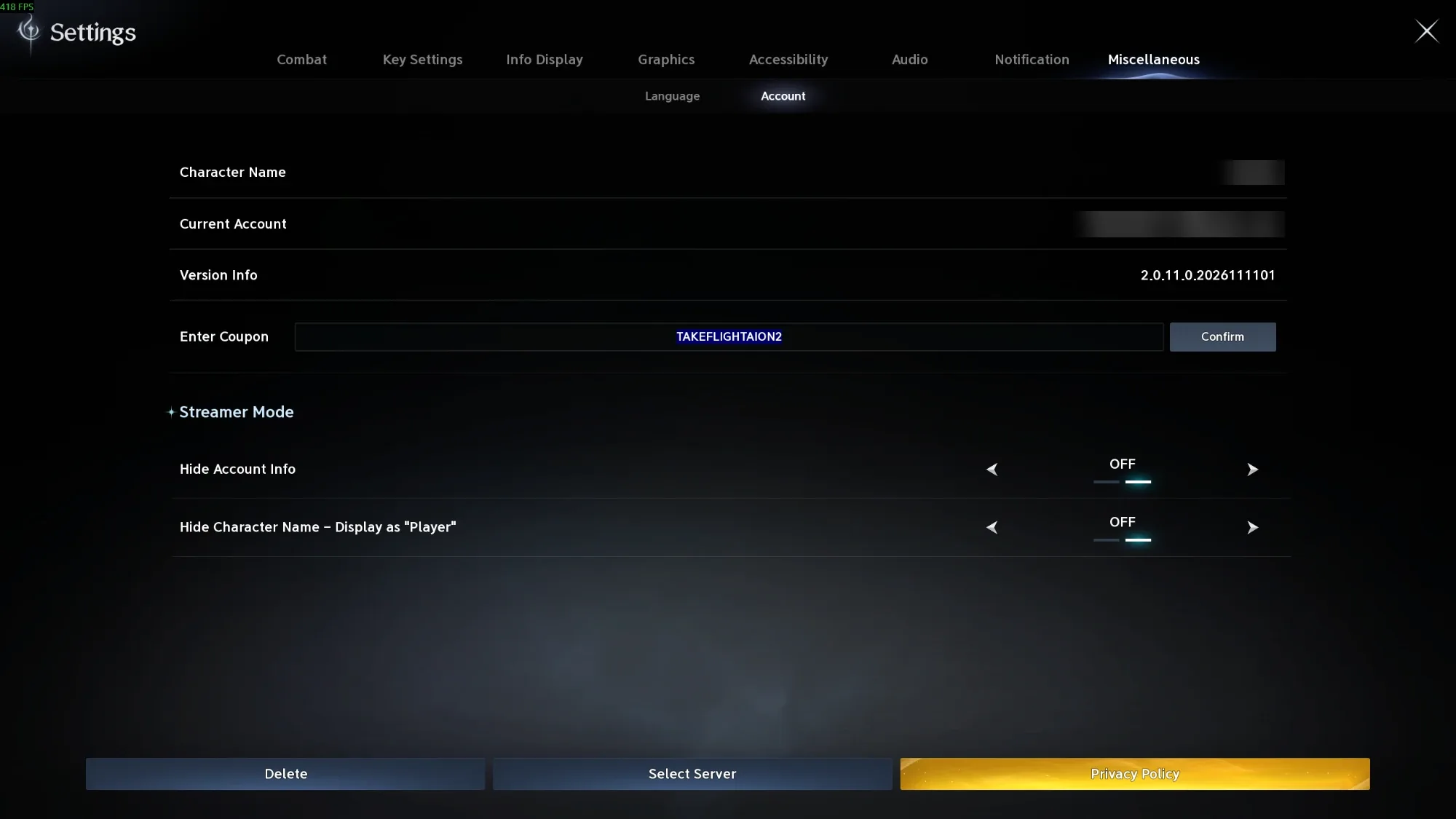
Codes are redeemed inside the game, not on a website. Open Settings, go to Miscellaneous → Account, type the code into Enter Coupon and press Confirm.
- Log in on the character that should get the rewards.
- Open Settings: open the main menu and click the gear icon at the bottom right, or press O.
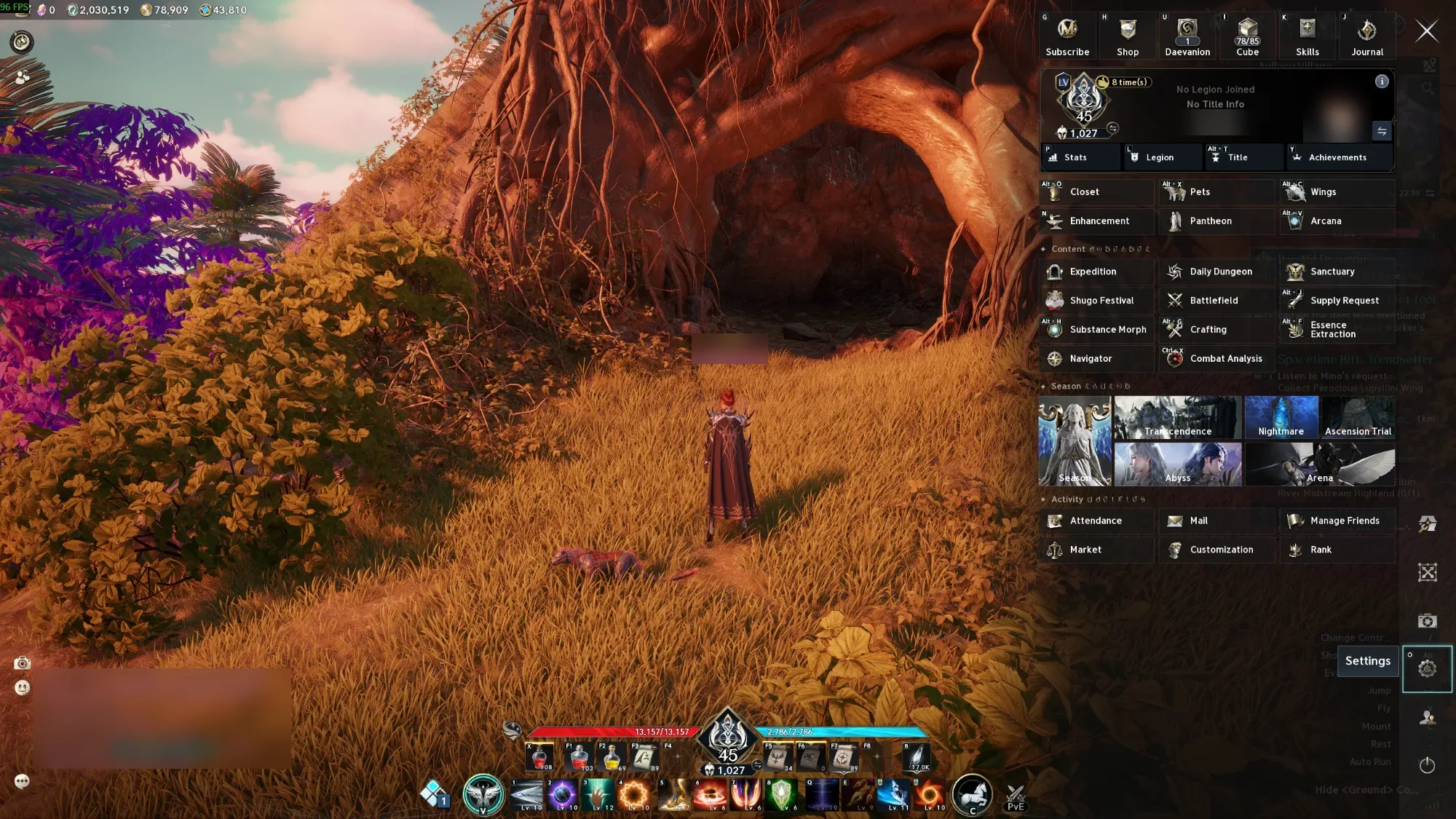
- Go to Miscellaneous, the last tab at the top, then the Account sub-tab.
- Type or paste the code into the Enter Coupon box.
- Press Confirm. Then check your Cube, or your Mail, for the rewards.
Step 1: Open Settings
Open the main menu, the panel on the right with Shop, Daevanion, Skills and the rest. The Settings gear sits in the column of icons on the far right, near the bottom. Its hotkey, O, is shown in the corner of the button.
Step 2: Miscellaneous → Account → Enter Coupon
In Settings, open the Miscellaneous tab, then Account. Type or paste the code into the Enter Coupon box and press Confirm. The code in the screenshot is only an example.
This screen also has Streamer Mode: Hide Account Info and Hide Character Name. Turn them on before you stream or share screenshots, so your account email and name stay hidden.
Where Do the Rewards Go?
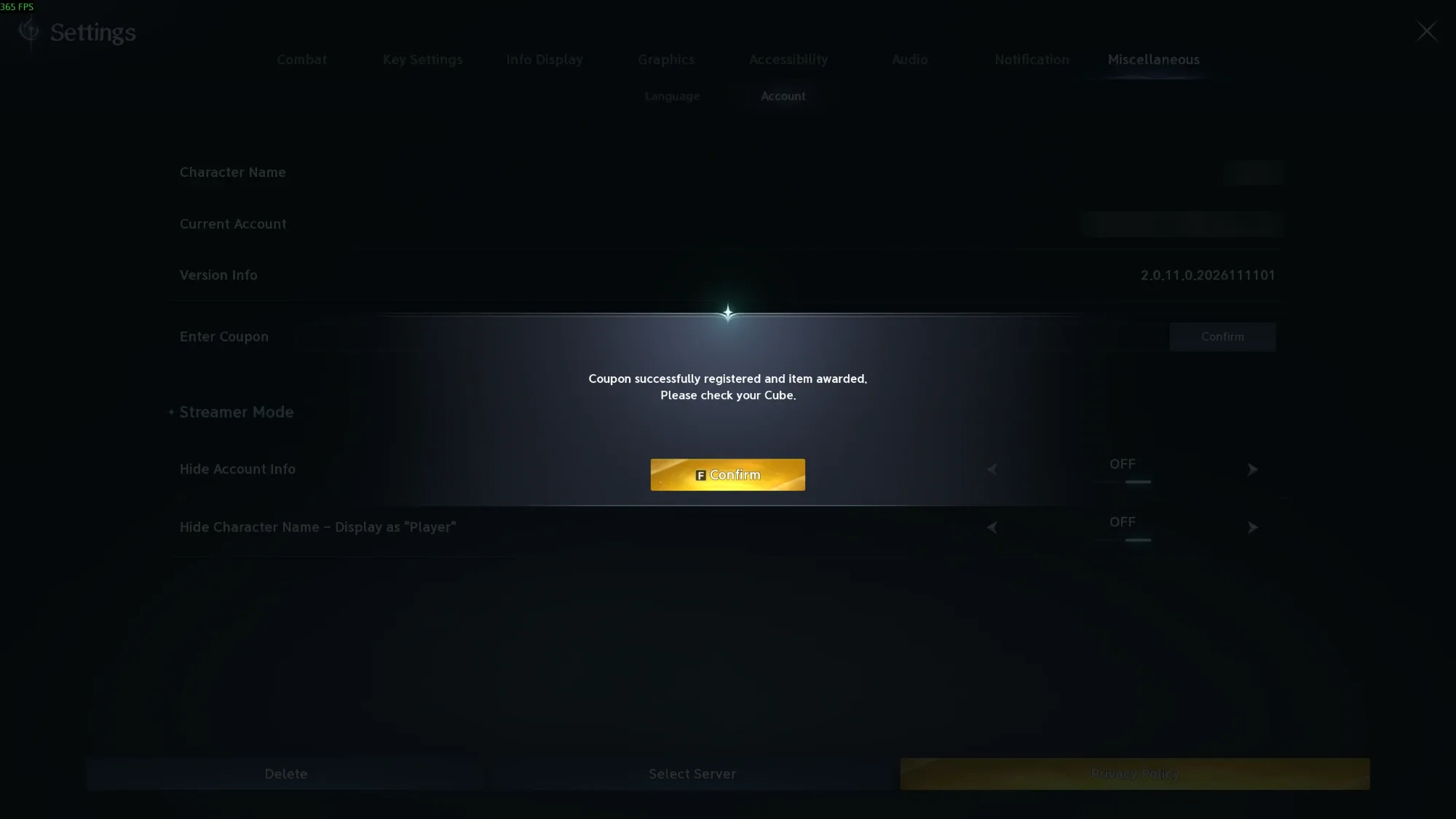
It depends on the code. Some codes put the rewards straight into your Cube, your inventory. When that happens, a message says "Coupon successfully registered and item awarded. Please check your Cube." Other codes send the rewards to your in-game Mail instead.
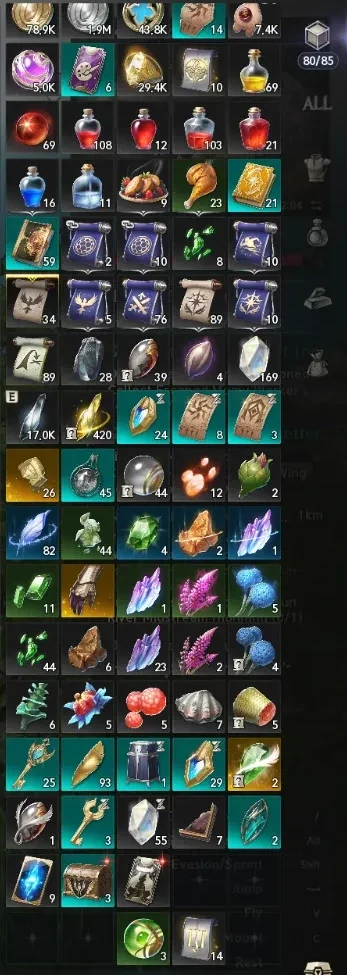
Open your Cube (I, or Cube in the main menu) to find the new items: they're marked with a small red dot, and the Cube's item count goes up. If they aren't there, open the main menu and choose Mail under Activity to claim them. Code rewards are usually bound, so they can't be traded or sold on the Market.
Code Not Working?
- It expired. Most codes run for a few weeks, often tied to an event or a stream.
- You already used it. A code normally works once per account, not once per character.
- A typo. Codes are usually all capitals. Copy and paste them, and check for a stray space at the start or end.
- Wrong region. A code made for the Korean or Taiwanese servers won't work on the global servers.
Avoid Code Scams
There's no official website for redeeming Aion 2 codes. Any site or chat message that asks for your password, or promises free Kinah in exchange for logging in, is a scam. Only type codes into the game's own Enter Coupon box.
Related Guides

Global Launch Guide
Release dates, platforms, servers, the 8 launch classes, the level 45 cap and how monetization differs from the Korean/Taiwanese version.
Read guideDaily & Weekly Checklist
Reset times, every daily and weekly limit, and a 30-minute routine, with a free tracker.
Read guide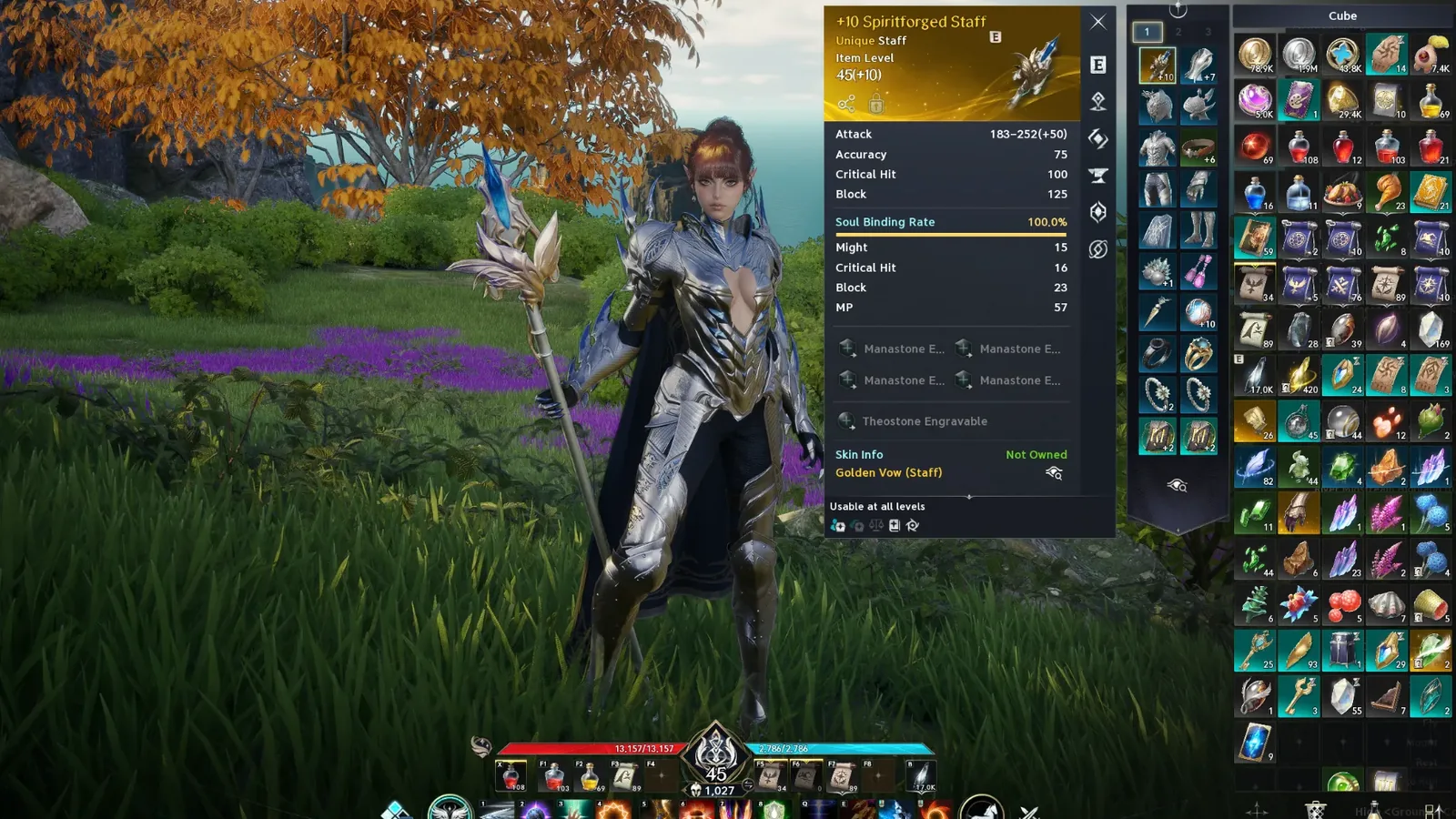
How to Reach Item Level 1,000
Item Level 1,000 unlocks the Abyss. Gear, enhancement, Daevanion, runes and Strongholds: the fastest order to get there.
Read guide
Verteron Abyss Portal Location
The Elyos Abyss Portal is next to Draupnir in the Garden of the Illusion God. Map screenshot, requirements and where it takes you.
Read guideFrequently Asked Questions
How do you redeem codes in Aion 2?
In the game, open Settings (the gear in the main menu, or press O), go to Miscellaneous, then Account, type the code into Enter Coupon and press Confirm.
Where do Aion 2 code rewards go?
Often straight into your Cube (inventory): the game says "Please check your Cube" after you press Confirm. Some codes send rewards to your in-game Mail instead, under Activity in the main menu.
Is there a website to redeem Aion 2 codes?
No. Codes are only redeemed in the game client. Sites that ask for your login to redeem codes are scams.
Why is my Aion 2 code not working?
It has expired, it was already used on your account, it has a typo or extra space, or it was made for another region's servers.
Can you use a code on every character?
Usually not. Most codes can be redeemed once per account.